 Fair Shake · Shopify app
Let shoppers name their price. You decide what's fair.
Fair Shake adds a Make an Offer button to your product pages. Accept, decline or send a counter-offer from your Shopify admin, or let rules answer for you without going below your price floor.
How it works
- 01
Add the button
Install Fair Shake and add the offer button to your product template from the theme editor. No code.
- 02
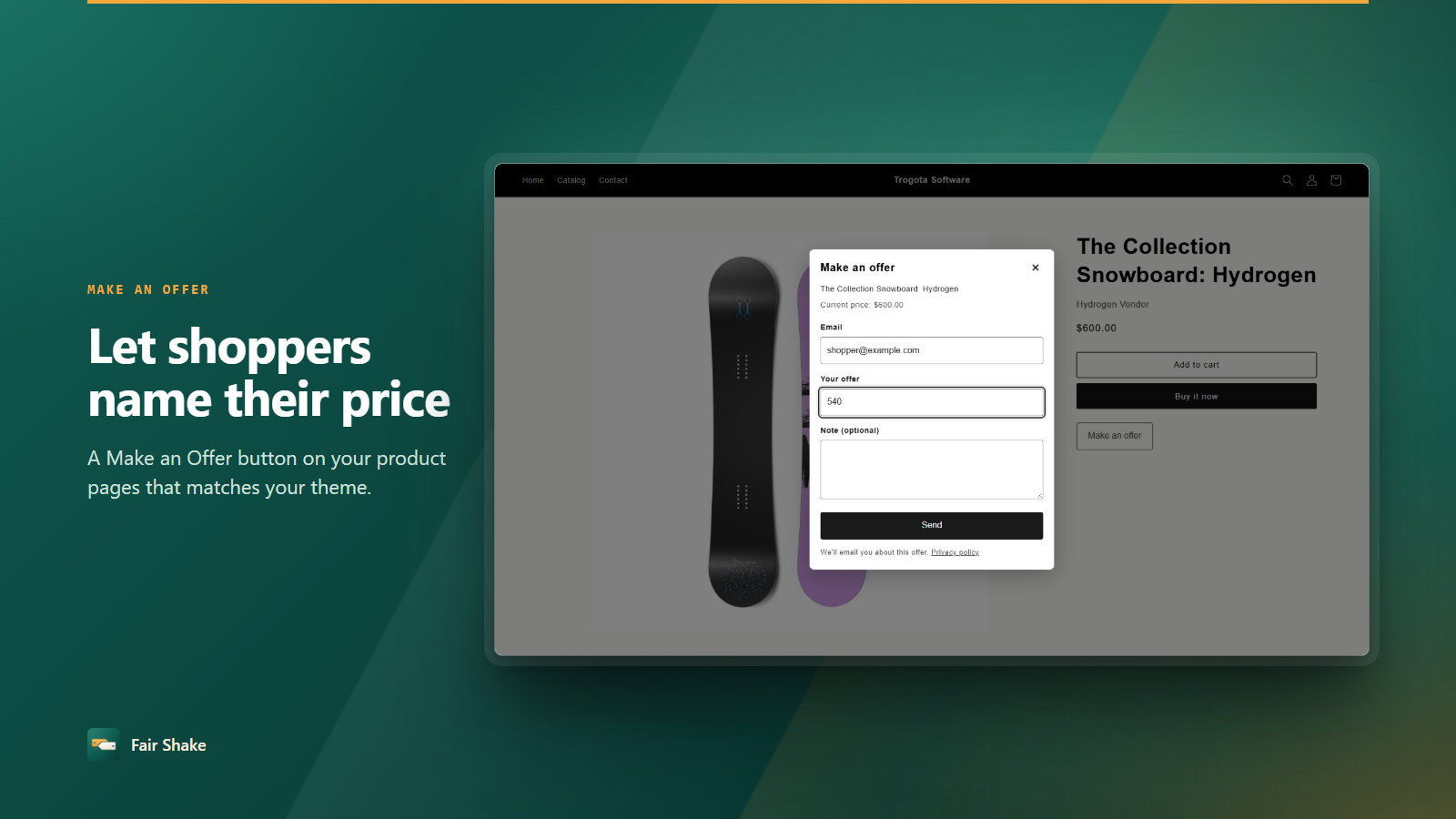
Shoppers make an offer
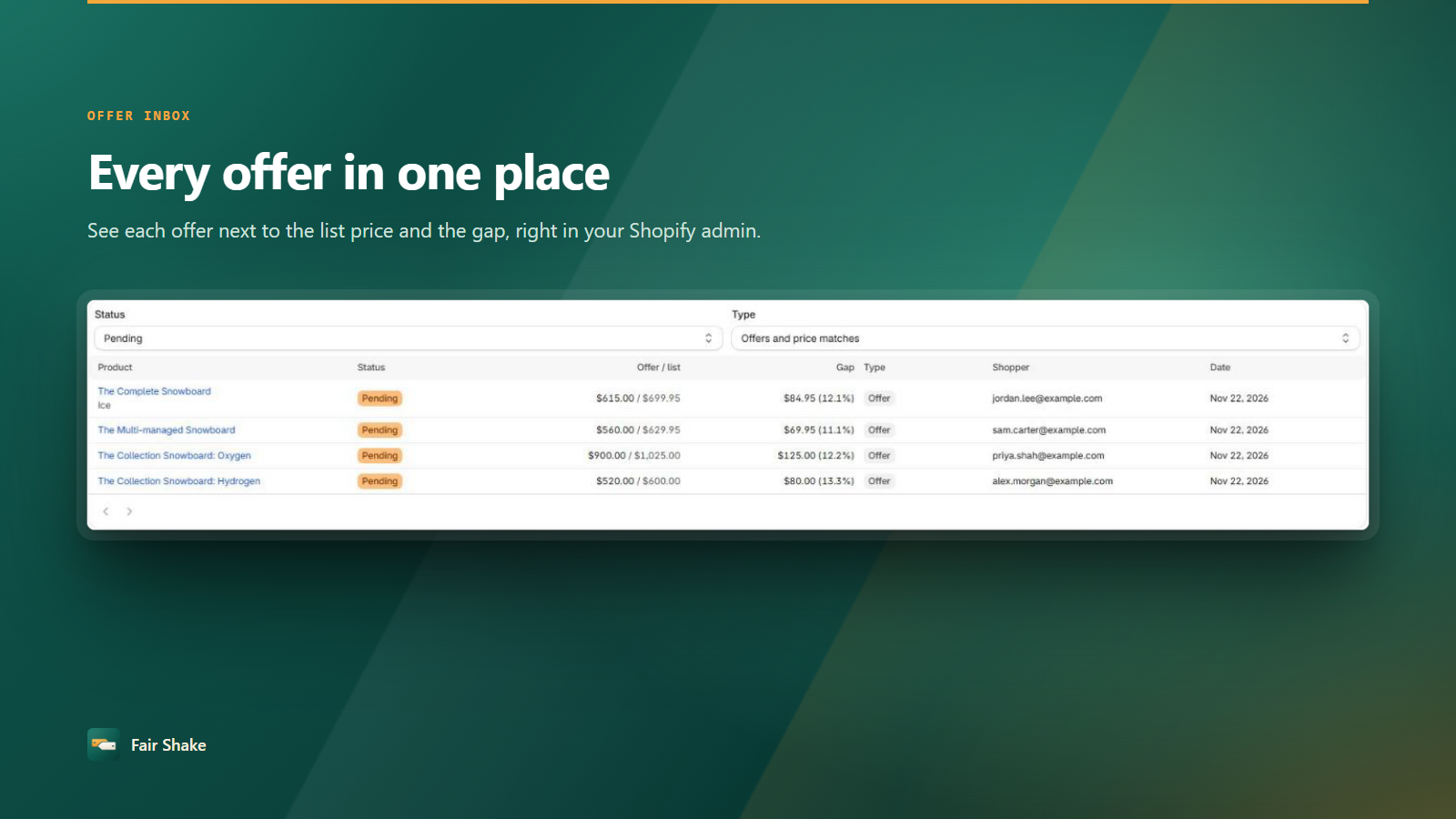
They enter their email and the price they'd pay. You get an alert and the offer appears in your inbox.
- 03
Answer it
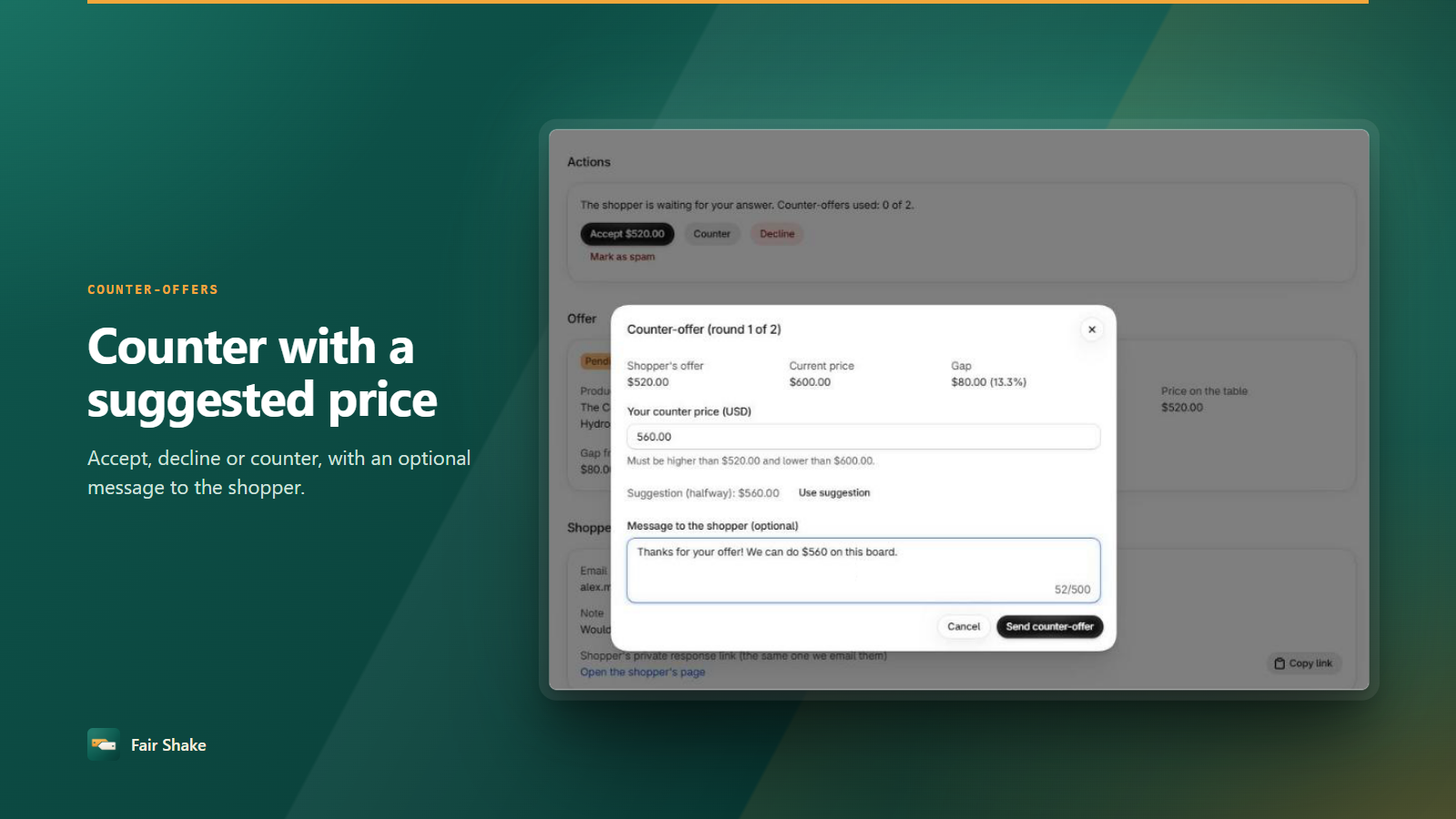
Accept, decline or counter, by hand or with automatic rules. Go back and forth for as many rounds as you allow.
- 04
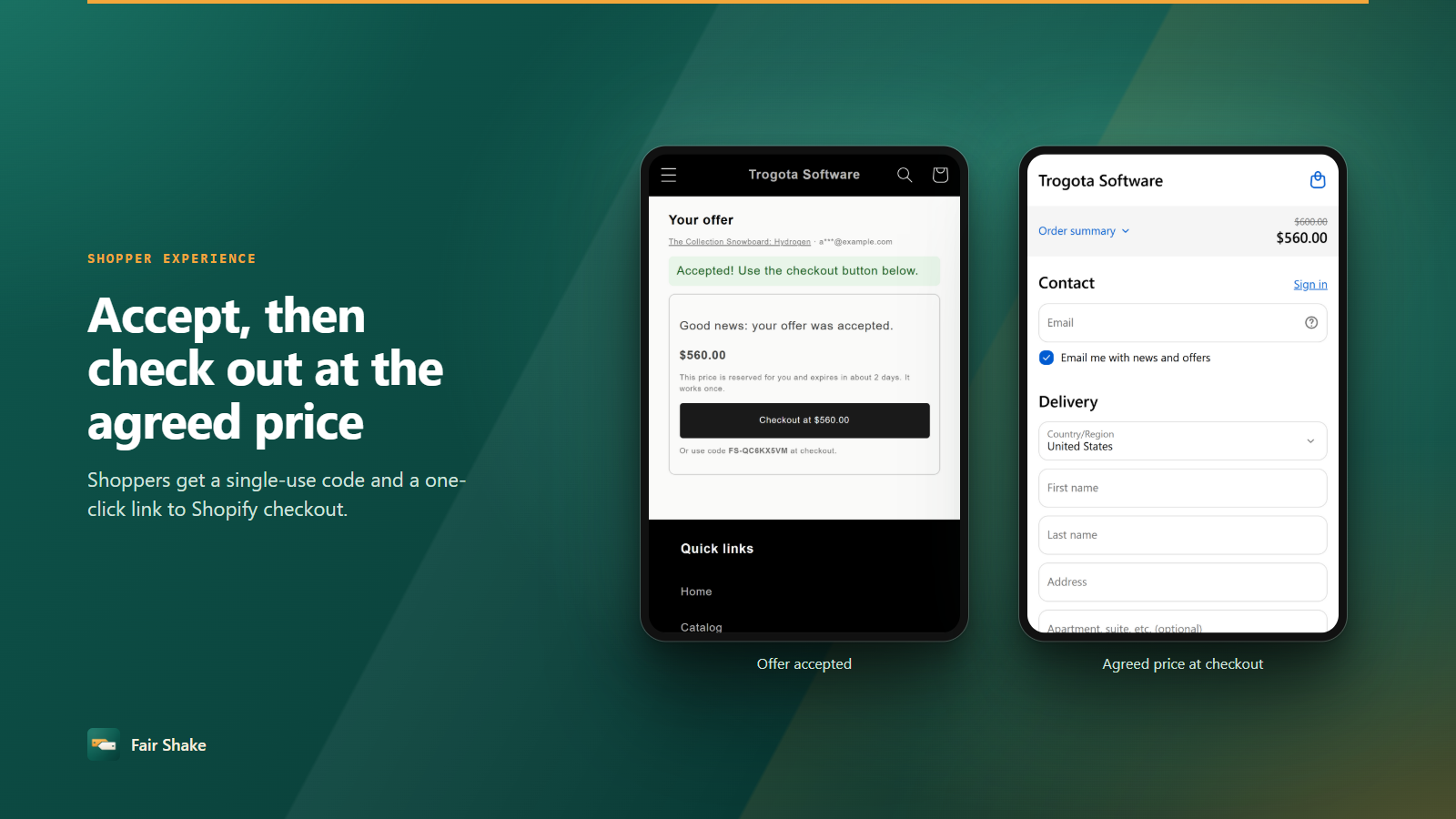
They check out
An accepted offer becomes a single-use code for that product, with a one-click link to Shopify checkout.
Inside Fair Shake
Features
Make an offer button
A theme app block on product pages, with your own button text.
Price match requests
Optional. Shoppers send a lower price they found, with a link for you to check.
Counter-offers
Up to the number of rounds you choose; the last one is marked as your final offer.
Automatic rules
Accept, counter or decline by percentage of the price, never below your floor.
Price floors
One store-wide floor, plus product and collection floors on Pro.
Single-use codes
Product-only, expiring discount codes with a one-click checkout link.
Emails at every step
Shoppers hear back automatically; you get alerts for new offers and replies.
Exclusions and spam control
Hide the button on chosen products or collections, and block spam senders.
Dashboard
Offers received, acceptance rate, average discount and revenue from used codes (Pro).
Pricing
Starter
- All negotiation features
- Automatic rules and a price floor
- Up to 50 offers per billing cycle
Pro
- Everything in Starter
- Unlimited offers
- Product and collection price floors
- Revenue dashboard
Both plans include a 14-day free trial and are billed in US dollars on your Shopify invoice. No commission on sales. Change or cancel any time in your Shopify admin.
Questions
Do shoppers need an account?
No. They enter an email address and their offer. Replies and their private offer page link come by email.
Which themes does it work with?
Themes that support app blocks (Online Store 2.0 themes, such as Shopify's free themes). You add the block in the theme editor.
Can an offer go below my lowest price?
Automatic rules never go below your price floor. If you accept by hand below a floor, Fair Shake warns you first.
How do accepted offers work at checkout?
Fair Shake creates a single-use discount code for that product only, with an expiry time you choose, and emails the shopper a link that opens Shopify checkout with the code applied.
Does Fair Shake take a cut of sales?
No. You pay a flat monthly plan through Shopify, and that's it.
What happens if I uninstall?
The button disappears, and your store's Fair Shake data is deleted about 48 hours later, when Shopify asks us to.
Support
Email: support@trogota.com · Support page
Privacy requests: privacy@trogota.com · Privacy policy · Terms of service